🚀 Admissions Open for Full Stack Developer (MERN Stack) Training in Mysore
Full Stack Developer Course in Mysore
Learn MERN Stack Development Close to Home — Without Moving to Bangalore
Build complete web applications with React, Node.js, Express.js and MongoDB through instructor-led, project-first training — in person at our Saraswathipuram office in Mysuru, live online, or a mix of both.
Course Fee: ₹53,690 incl. GST
Curriculum last updated: September 2026
Technologies You'll Master
4-6 months
Program
150+ Hours
Practical Training
6+ Projects
Real-World Development
Classroom + Online
Flexible Learning
Certification
On Completion
Job Assistance
Career Support
Course Overview
Full Stack Developer Course in Mysore: What the Program Covers
This is SoftPro9's Full Stack Developer (MERN Stack) Course delivered for learners in and around Mysuru. It follows a single path from the fundamentals of the web to a deployed application: HTML, CSS and JavaScript first, then modern JavaScript, then the server side with Node.js and Express.js, data with MongoDB, the frontend with React, and finally the work that joins everything together — authentication, API integration, deployment and a capstone project.
The program runs for 4–6 months depending on the pace and mode you choose, with more than 150 hours of practical, instructor-led training. You can attend classroom sessions at our office in Saraswathipuram, join the same curriculum live online, or combine the two. Every mode ends in the same place: a set of working projects on your GitHub, a SoftPro9 Full Stack Developer certificate, and structured preparation for developer interviews.
The course is deliberately practical. Most sessions revolve around writing code, running it, watching it fail and working out why. That rhythm is slower than watching videos at double speed, but it is the one that leaves you able to build something on your own once the course ends.
Why Mysore
Why Learn Full Stack Development in Mysore?
For a long time, the default plan for a Mysuru graduate who wanted a software career was to pack a bag for Bangalore — first for training, then for a job. That calculation has shifted. Development work is increasingly remote-friendly, the city has its own base of IT companies, and the Bengaluru–Mysuru expressway has cut the road journey between the two cities considerably. Learning full stack development without leaving Mysuru is now a practical choice rather than a compromise.
Learn without relocating
Staying at home while you train means no hostel rent, no PG deposits and no long commute across a larger city. For many students and families, that alone makes a 4–6 month course affordable in a way a move would not.
A city with its own IT presence
Mysuru has had IT and technology operations for years, from large service companies to smaller product and services firms in areas such as Hebbal and along the ring road. A local employer base means full stack skills are not only useful for jobs somewhere else.
Bangalore is closer than it used to be
With the expressway, many people now treat Bangalore as reachable for interviews, occasional office days or a later move — so training in Mysuru keeps both options open instead of forcing a decision up front.
Remote roles reward skills, not postcodes
Distributed teams hire for what you can build and explain. A strong GitHub portfolio and solid MERN fundamentals travel just as well from Kuvempunagar as from Koramangala.
Mysuru also has a large student population. The University of Mysore and the many engineering, BCA, BSc and MCA colleges in and around the city produce graduates every year who have studied programming in theory but rarely built and deployed a complete application. That gap between a syllabus and a working product is exactly what a project-based full stack course is designed to close.
What a Full Stack Developer Actually Works On
Six layers every MERN application depends on — and every one of them is part of this course.
Frontend
Screens people actually use — semantic HTML, responsive CSS with Flexbox and Bootstrap, and interactive React components.
Backend
The Node.js and Express.js server that receives requests, applies business rules and sends back responses.
Databases
MongoDB collections designed with Mongoose schemas, queried with CRUD operations and aggregation pipelines.
APIs
REST endpoints that connect the React frontend to the server, called with Axios and React Query.
Authentication
Registration, login, password hashing, JWT-based sessions and role-based permissions.
Version Control & Deployment
Branching and merging with Git, collaborating on GitHub, and deploying to cloud platforms.
What Mysore Learners Get From SoftPro9
Curriculum
MERN Stack Curriculum: Module by Module
Duration: 4-6 months
01Introduction to Web Development
- HTML5, CSS3, JavaScript fundamentals
- DOM manipulation
- Responsive design with Bootstrap & Flexbox
02Advanced JavaScript
- ES6+ features
- Asynchronous programming
- Debugging & best practices
03Version Control with Git & GitHub
- Commits, branches, merges
- Collaboration workflows
04Node.js & Express.js
- RESTful APIs
- Middleware
- Server configuration
05MongoDB & Mongoose
- CRUD operations
- Aggregation pipelines
- Schema design
06React.js
- Components, props, state
- React hooks
- React Router
- State management with Context API & Redux
07Integration & API Development
- Connecting front-end and back-end
- Authentication with JWT & OAuth
- Axios and React Query
08Advanced MERN Features
- File uploads
- Role-based auth
- Pagination and search
09Deployment & DevOps Basics
- Deployment on Heroku, Netlify, AWS
- CI/CD basics
10Capstone Project
- Real world MERN app development
- E-commerce, Social media, Job portal projects
Real-World Projects
Portfolio Projects You Build During the Course
Each project exercises a different mix of frontend, backend and database skills, so your GitHub shows range rather than six versions of the same app.
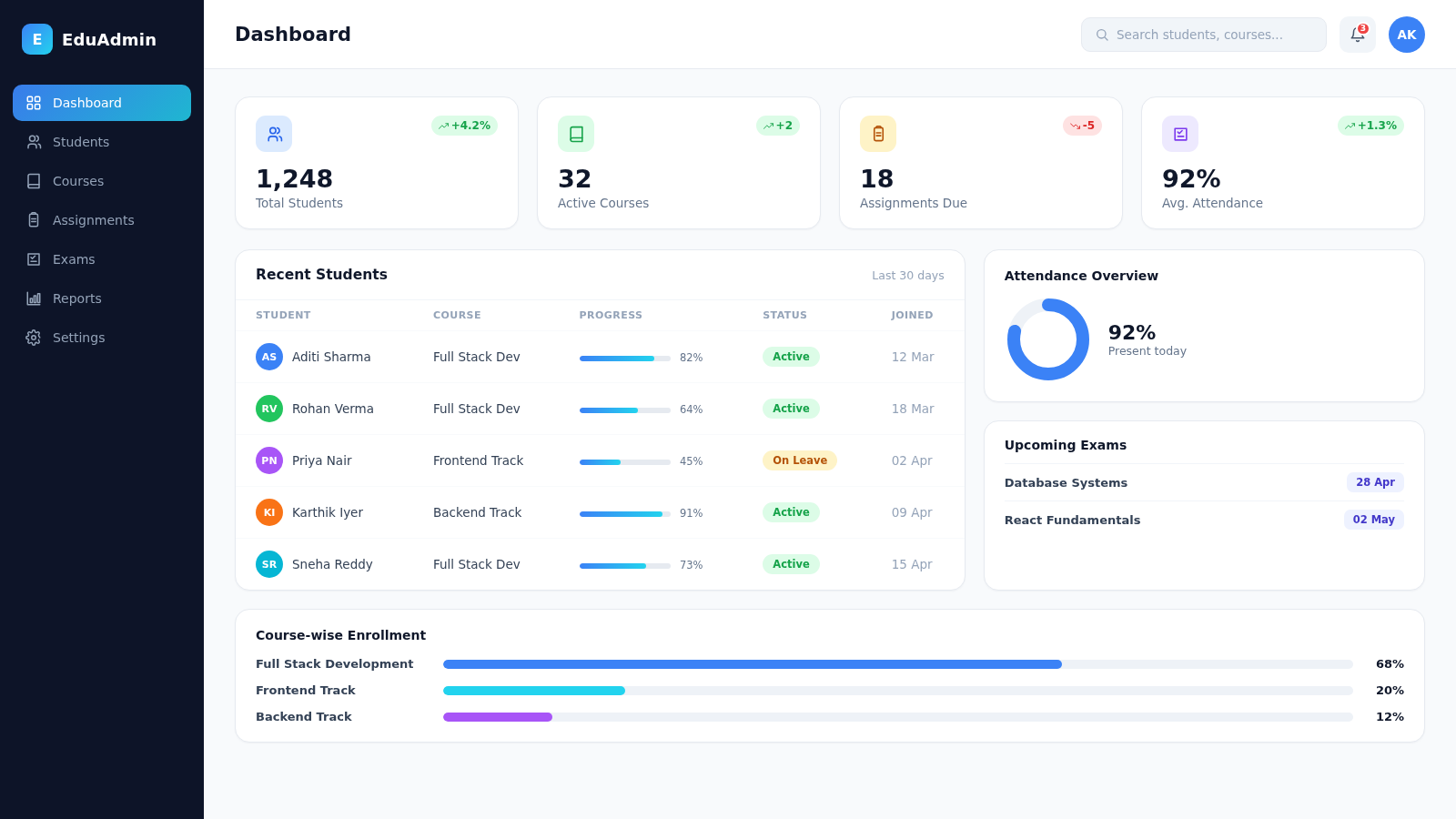
Student Management System
React, Node.js, Express, MongoDB
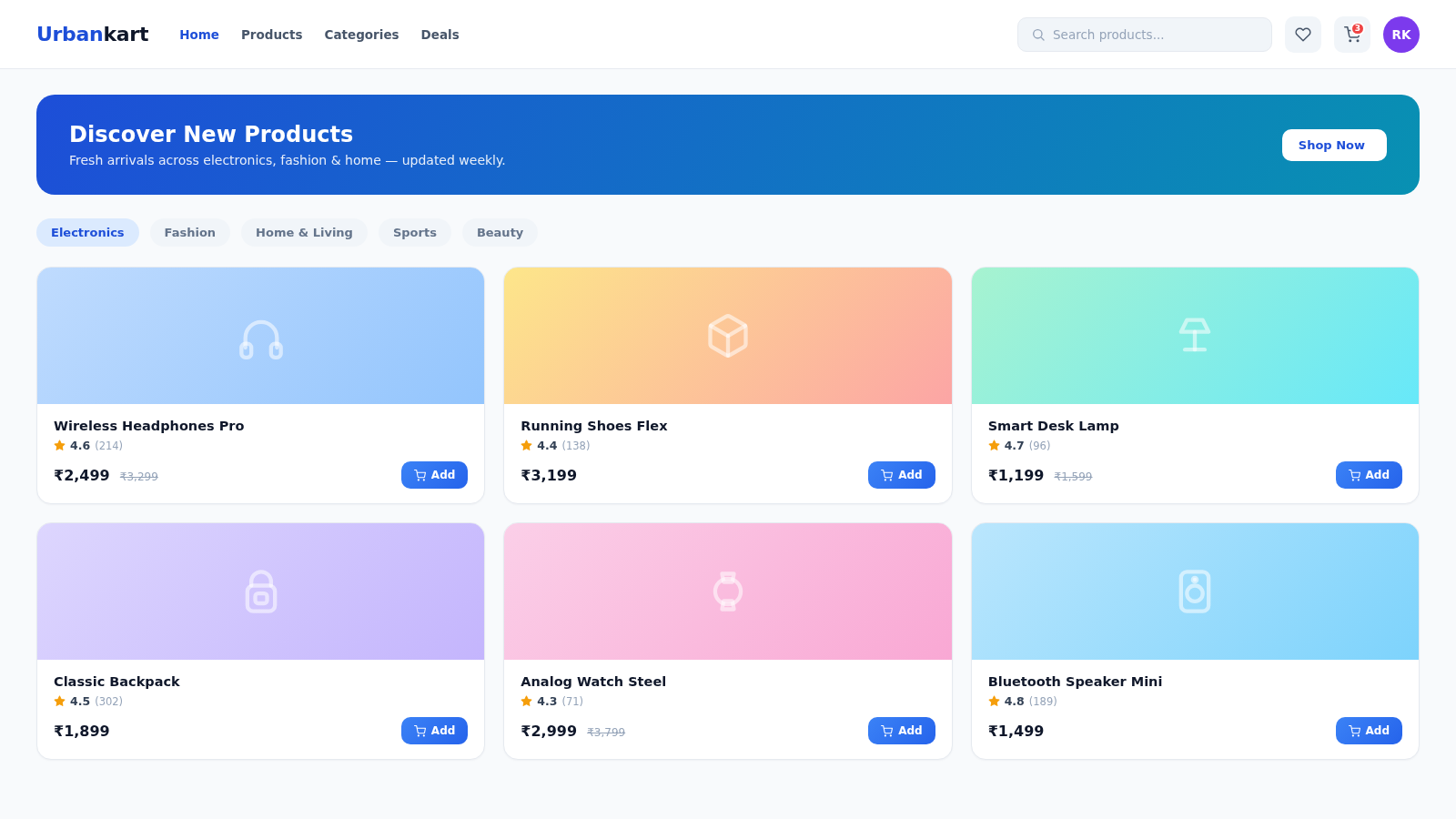
E-Commerce Application
Authentication, Products, Cart, Orders, REST APIs
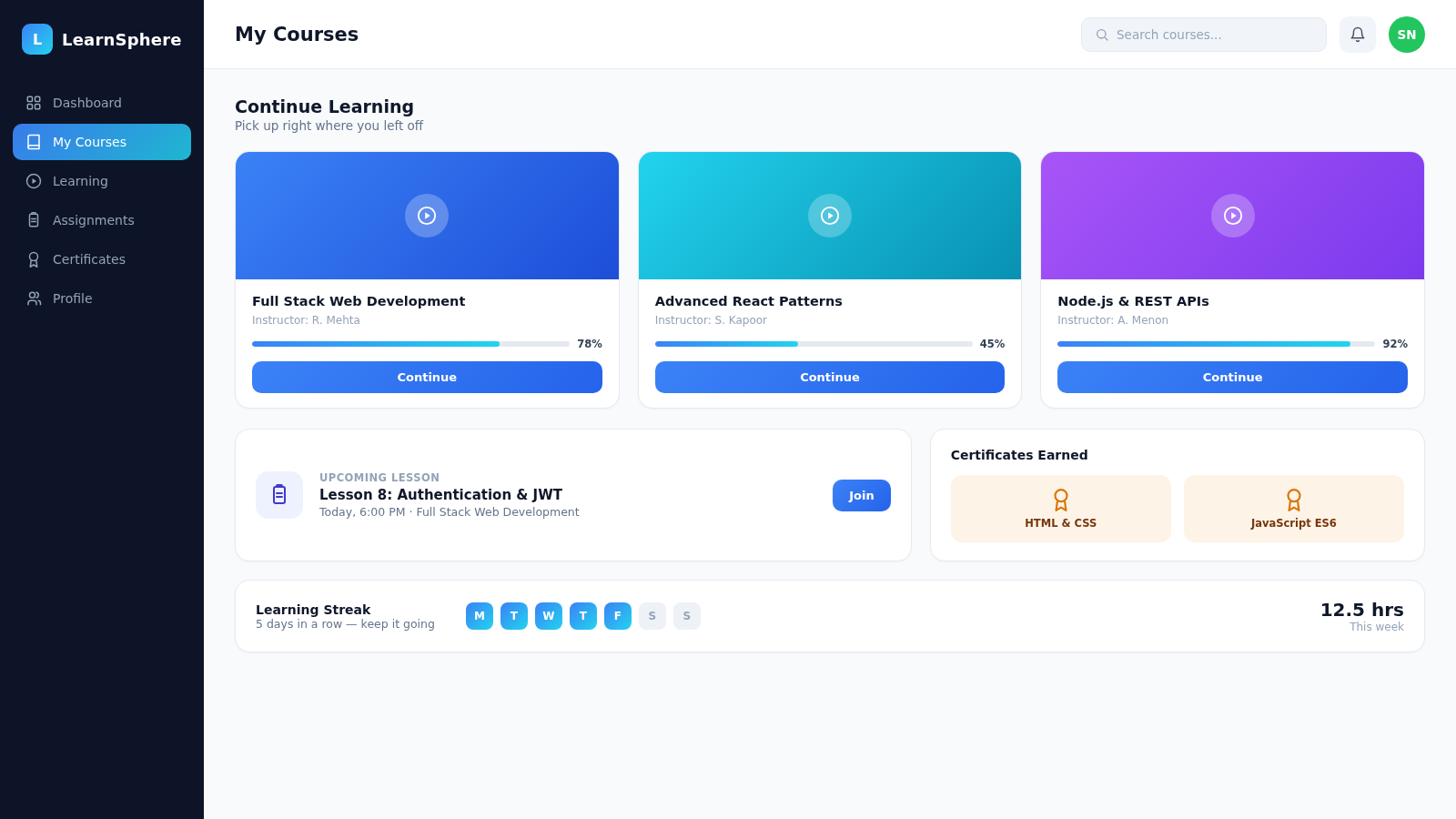
Learning Management System
Courses, Students, Admin, Role-Based Access
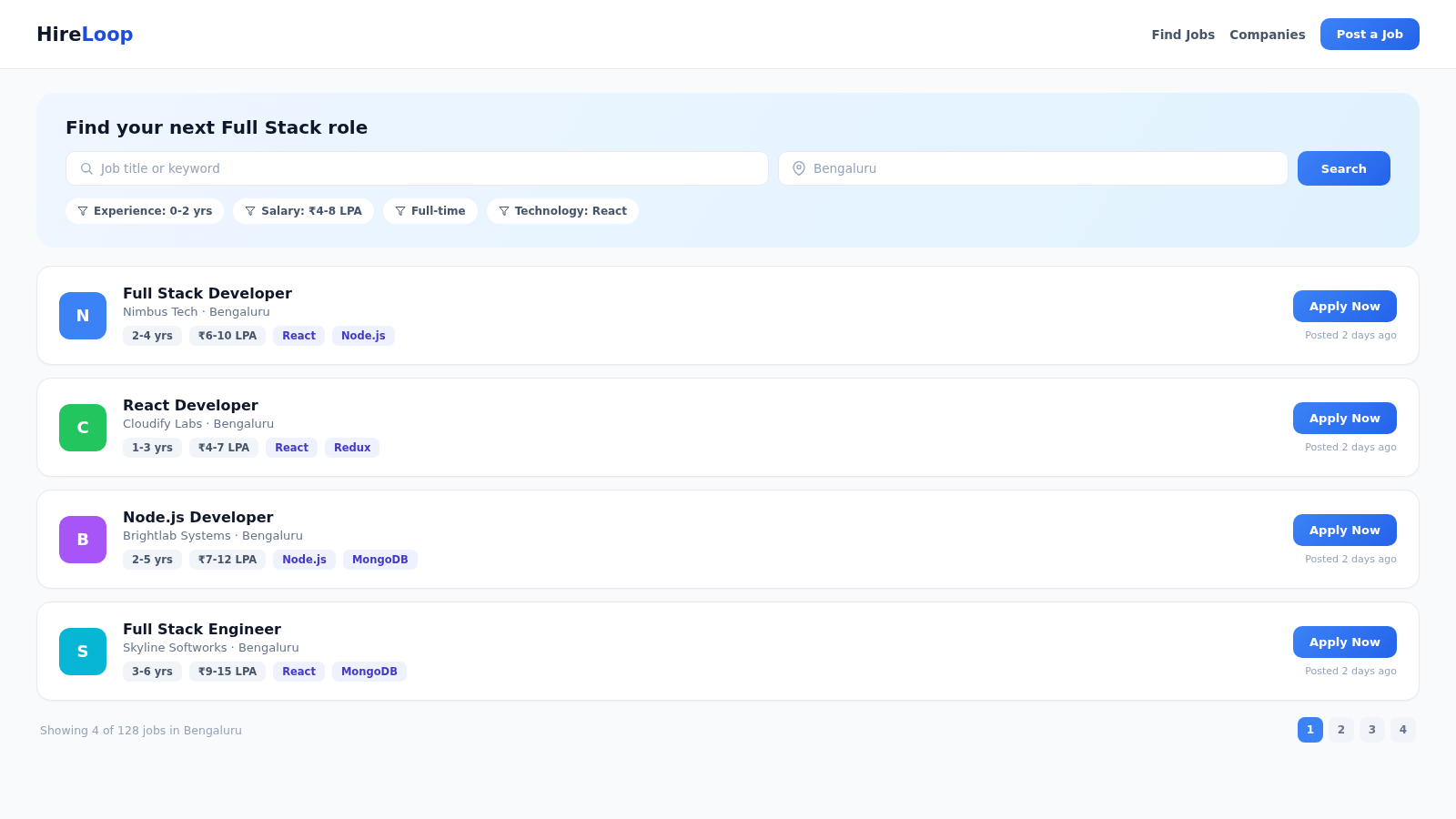
Job Portal
Authentication, Job Listings, Applications
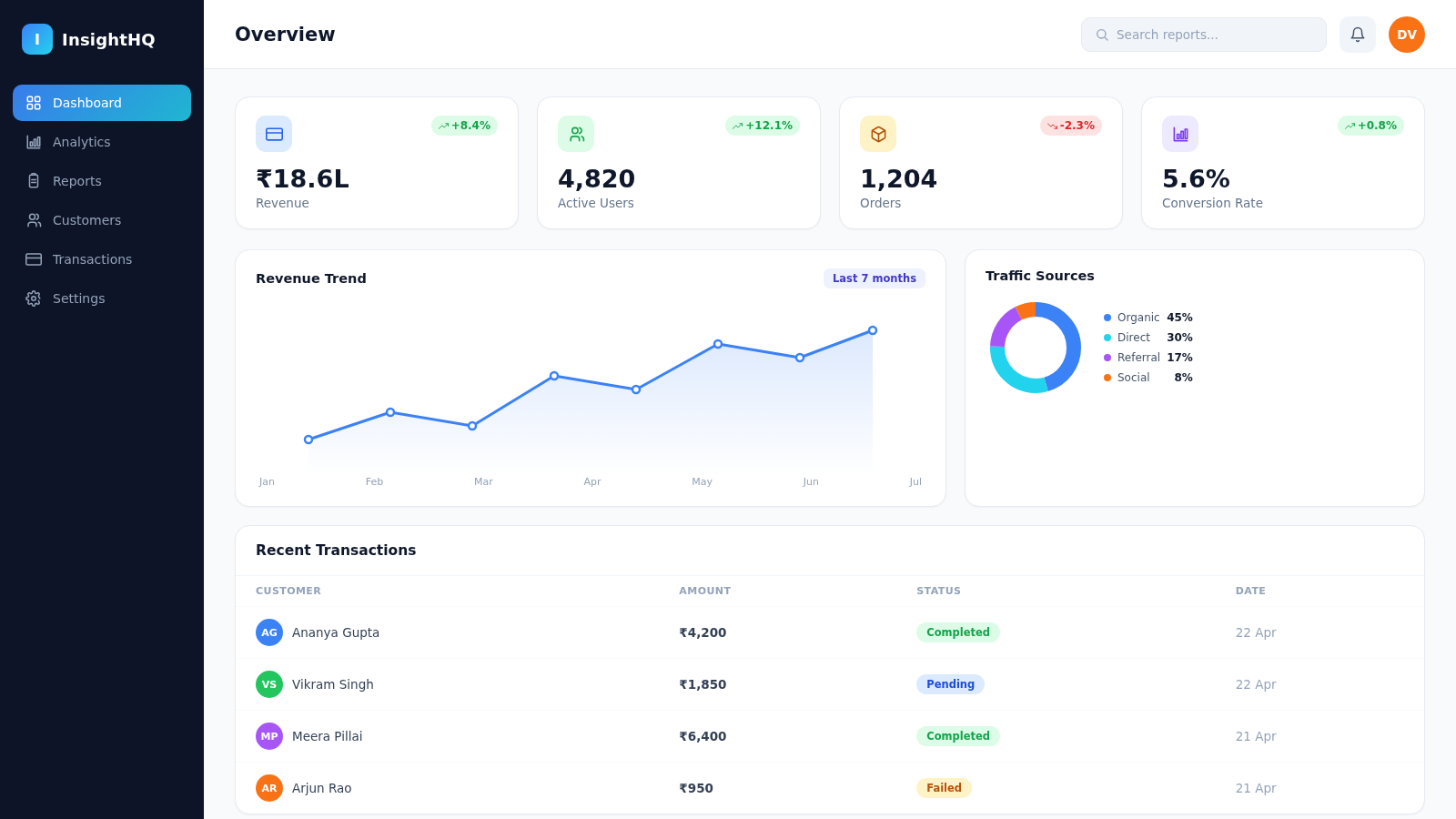
Business Dashboard
React, APIs, Database, Charts
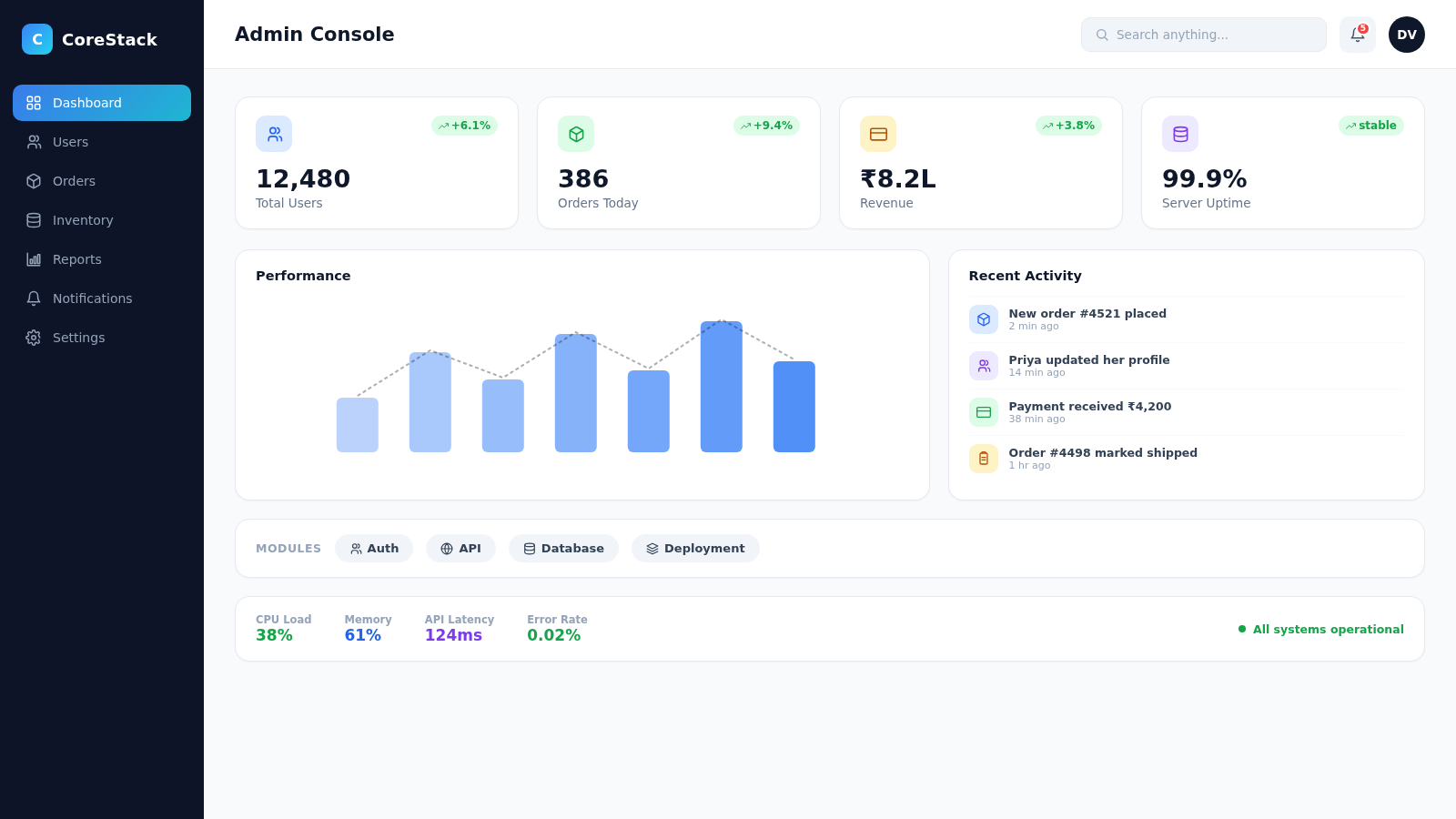
Capstone Project
A complete Full Stack application designed, developed and deployed end-to-end
How Your Months in the Course Unfold
Foundations
HTML, CSS and JavaScript until building a responsive page feels routine.
Modern JavaScript
ES6+, async/await and debugging habits that the rest of the course leans on.
Server & Data
Node.js, Express.js and MongoDB — your first working API with real data behind it.
React Frontend
Components, hooks, routing and state management with Context API and Redux.
Integrate & Secure
Wire frontend to backend, add JWT authentication and role-based access.
Ship & Interview
Deploy the capstone, polish your GitHub, and practice technical interviews.
Foundations
HTML, CSS and JavaScript until building a responsive page feels routine.
Modern JavaScript
ES6+, async/await and debugging habits that the rest of the course leans on.
Server & Data
Node.js, Express.js and MongoDB — your first working API with real data behind it.
React Frontend
Components, hooks, routing and state management with Context API and Redux.
Integrate & Secure
Wire frontend to backend, add JWT authentication and role-based access.
Ship & Interview
Deploy the capstone, polish your GitHub, and practice technical interviews.
Who This Mysore Course Is Designed For
Students & Graduates
Engineering, BCA, BSc and MCA students or recent graduates from Mysuru-area colleges who want hands-on development skills before placement season.
Working Professionals
People in IT support, testing or non-development roles in Mysuru who want to move into building software.
Career Switchers
Commerce, arts or science graduates ready to learn programming from the ground up with guided practice.
Existing Developers
Frontend-only or backend-only developers who want to own the whole application.
Entrepreneurs / Founders
Local business owners and founders who want to build or oversee their own web products.
Roles This Skill Set Prepares You For
Full stack training builds toward several developer roles — which one you pursue depends on where your interest settles:
SoftPro9 Full Stack Developer Certification
SoftPro9 Full Stack Developer Certification
On completing the course, you receive a SoftPro9 Full Stack Developer certificate recognizing the skills covered in the curriculum — alongside guidance on relevant industry certifications for the individual technologies you've learned.
Career Preparation Built Into the Course
Resume & Portfolio Guidance
Support in preparing a resume and project portfolio that reflects your full stack skills.
GitHub Guidance
Guidance on presenting your projects and code on GitHub.
Mock Interviews
Practice technical and HR interview rounds before you start applying.
Technical Interview Preparation
Preparation for common full stack developer interview questions and coding rounds.
Job Assistance
Support connecting with hiring opportunities as you complete the course.
Pricing
Investment & Enrollment
One course fee, shown live from our catalogue — no hidden charges.
Curriculum in Depth
What You Will Learn Across the MERN Stack
MERN stands for MongoDB, Express.js, React and Node.js. What makes it popular with teams and approachable for learners is that JavaScript runs through every layer — you use one language for the browser, the server and even the shape of your database documents. The module list above shows the sequence; here is what each stage actually involves.
Frontend development
Semantic HTML5, CSS3, Flexbox and Bootstrap for layouts that adapt from a phone to a wide monitor, plus DOM manipulation in plain JavaScript so you understand what frameworks later do for you.
Modern JavaScript
ES6+ syntax, modules, promises and async/await, error handling and debugging techniques. This module decides how comfortable the rest of the course feels, so it gets proper time.
React development
Components, props and state, hooks such as useState and useEffect, client-side routing with React Router, and application state with the Context API and Redux. See the standalone React.js course if you only need this layer.
Node.js backend
How Node.js handles requests with its event-driven model, working with the file system, environment configuration and structuring a server-side project so it stays maintainable as it grows.
Express.js APIs
Routing, middleware, request validation, centralised error handling and RESTful API design — the endpoints your React app will call. The Express.js course covers this layer on its own.
MongoDB and Mongoose
Document modelling, Mongoose schemas and validation, CRUD operations, and aggregation pipelines for reports and summaries — the queries behind a dashboard, not just a list page.
APIs, Authentication and Connecting the Layers
Knowing React and knowing Express are two separate skills; making them work together is a third. The integration module is where the frontend starts calling your own API with Axios and React Query, handles loading and error states properly, and displays data that actually lives in MongoDB.
Security is taught as part of that integration rather than as an afterthought. You implement registration and login, hash passwords before they are stored, issue and verify JSON Web Tokens, and restrict routes by role so that an admin and a regular user see different things. OAuth-based sign-in is introduced too. Later, the advanced MERN module adds features that real applications need and tutorials often skip: file uploads, pagination and search across large result sets, and role-based authorisation applied consistently on both server and client.
Git, GitHub and the Everyday Developer Toolkit
Teams expect new developers to be comfortable with version control from the first week, so Git is taught as a working habit rather than a single lecture. You commit in small, meaningful steps, create branches for features, merge them back, and resolve the conflicts that inevitably appear. On GitHub you practise collaboration workflows, write useful README files and keep your projects public so they can be reviewed.
- Code editor and terminal — running projects, installing packages with npm and reading error output instead of guessing.
- Browser developer tools — inspecting layouts, watching network requests and stepping through JavaScript.
- API testing — calling your endpoints directly to check responses before wiring them into React.
- Environment variables — keeping secrets such as database URLs and JWT keys out of your code.
- Deployment platforms — putting applications live on services such as Heroku, Netlify and AWS, with an introduction to CI/CD so builds and deployments can run automatically.
How You Learn
Project-Based Learning: How a Typical Topic Is Taught
Most topics in the course follow the same loop. It is simple on paper; the value comes from repeating it dozens of times until the steps become instinct.
- 01
See the concept in a working example
The trainer builds a small, focused feature live — a protected route, a Mongoose schema, a paginated list — explaining each decision as it is made.
- 02
Rebuild it yourself
You write the same feature in your own project, which is where the first real questions appear: why is this undefined, why does the request return 401?
- 03
Debug with guidance
Instead of handing over the fix, the trainer helps you read the error, check the network tab or add a log, so you learn the method rather than the answer.
- 04
Extend it
You add something the demo did not cover — a filter, a validation rule, a new role — to prove the idea has actually landed.
- 05
Commit and move on
The finished work goes to GitHub with a clear commit message, building a history that shows how your project grew.
The six portfolio projects above are where this loop scales up. The capstone at the end brings everything together: you plan the data model, build the API, create the React interface, add authentication and deploy it — the same sequence a small product team follows.
Course Duration and a Realistic Weekly Schedule
The course takes 4–6 months. The range exists because learners arrive with different amounts of time: a final-year student between semesters can usually keep a faster pace than someone attending around a full-time job in one of the city's IT offices. Across that span you receive more than 150 hours of instructor-led practical training.
Plan on practising outside sessions as well. A realistic target is a few focused hours each week on top of class time — finishing the exercise you started, fixing the bug you could not solve in class, or pushing your project a step further. Learners who keep that habit tend to reach the capstone with far more confidence than those who only code while the trainer is present.
Batch start dates and timings change through the year, so the current schedule is confirmed when you speak to an advisor or attend the free demo. The next upcoming batch date is also shown in the banner at the top of this page.
Training Modes
Classroom, Live Online or Hybrid — Choosing From Mysuru
All three modes follow the same curriculum and the same projects. The difference is how you attend, and the right answer usually depends on where in and around the city you live and what else is on your plate.
Classroom at Saraswathipuram
Sessions at our office on New Kantharaj Urs Road suit learners who focus better away from home and like having a trainer at their shoulder when code breaks. It is reachable for learners across Kuvempunagar, Vijayanagar, Jayalakshmipuram, Gokulam and the surrounding areas.
Live online sessions
Real-time, instructor-led classes with screen sharing and live doubt clearing — useful if you live farther out in Hebbal, Bogadi or Hootagalli, or in nearby towns such as Mandya, Nanjangud, Hunsur or Srirangapatna, where a daily commute would eat into practice time.
Hybrid
Online on busy days, in person when you want hands-on help or are working through a harder module. Hybrid also protects your progress if your job, exams or family commitments change mid-course.
Not sure yet?
Attend a demo in both formats. Many learners discover that their preference depends on the module — online for theory-heavy topics, classroom for debugging-heavy ones.
Prerequisites: What You Need Before the First Class
There is no formal eligibility requirement and no prior programming experience is assumed. The course starts from HTML and builds up. That said, a few things make the first month considerably smoother:
- A laptop or desktop you can install software on — a mid-range machine is fine for MERN development.
- Basic computer comfort: managing files and folders, installing applications, using a browser confidently.
- Reasonable English reading skills, since documentation, error messages and most learning resources are in English.
- Time for regular practice outside sessions — consistency matters far more than any prior degree.
- Optional but helpful: if you have never written code, a quick look at the JavaScript course content or a few beginner exercises beforehand makes the early weeks less intimidating.
Career Opportunities
Full Stack Careers With a Mysuru Base
Full stack skills open more than one door, and a Mysuru learner has more of those doors available today than a few years ago. Which path suits you depends on how willing you are to travel or relocate, and what kind of work you enjoy.
IT companies in Mysuru
The city's technology firms hire developers too. Applying locally lets you build experience while staying close to family, and full stack knowledge helps you contribute beyond a single narrow task.
Bangalore roles, on your terms
Many learners use Mysuru as a launch pad — training here, then interviewing with Bangalore teams, some of which offer hybrid arrangements with only occasional office days.
Remote development
Remote and distributed teams hire developers who can work independently, communicate clearly in writing and show real code. The portfolio you build here is designed to demonstrate exactly that.
Freelance and local projects
Mysuru runs on tourism, heritage, education and small manufacturing. Homestays, hotels, yoga studios, coaching centres, silk and handicraft sellers, and incense and sandalwood businesses all need booking systems, catalogues, dashboards and customer portals — the kind of work a MERN developer can take on.
Startups and your own product
Early-stage teams value people who can build a feature end-to-end. If you have a product idea yourself, full stack skills let you build the first version without waiting for a technical co-founder.
Specialising later
Some learners later lean frontend or backend, or branch into DevOps or AI and machine learning. Full stack fundamentals make those next steps easier.
Outcomes depend on your effort, the quality of your projects and the hiring market at the time — no training course can promise a particular role, employer or salary, and we do not. What the course can do is make sure the skills, the portfolio and the interview practice are in place when an opportunity appears.
Interview Preparation for Developer Roles
Developer interviews test more than recall. You are asked to explain how your code works, reason through a problem out loud and show that you understand trade-offs. Preparation in this course is built around those expectations.
- JavaScript fundamentals that come up again and again: scope, closures, the event loop, promises and async/await.
- React questions on component design, hooks, state management and why a component re-renders.
- Backend topics such as REST conventions, middleware, authentication flows and how you would structure an Express project.
- MongoDB schema design decisions, indexes in principle and when an aggregation pipeline is the right tool.
- Walking an interviewer through your own capstone — the architecture, a bug you fixed and what you would improve next.
- Mock technical and HR rounds with feedback, so the first real interview is not your first time answering these questions aloud.
Resume, GitHub and Portfolio Preparation
For a fresher or career switcher, a portfolio often carries more weight than the resume itself. By the end of the course you will have several projects on GitHub; the guidance you receive focuses on making them readable to someone who has two minutes to decide whether to call you.
That means clear READMEs with screenshots and a live link, sensible folder structure, meaningful commit history, and a short explanation of what each project demonstrates. Your resume is then shaped around those projects — specific technologies, specific features you built — rather than a generic list of skills.
A useful tip for Mysuru learners: a personal project rooted in something you know locally stands out. A booking tool for a homestay near Chamundi Hill, a class-scheduling app for a yoga shala in Gokulam, or an event guide for the Dasara season is memorable in an interview and shows you can turn a real need into software.
Certification and Career Assistance
On completing the course you receive the SoftPro9 Full Stack Developer certificate, which records the curriculum you have covered. It is a SoftPro9 certificate; it is not a university degree or a vendor exam, and we would rather be clear about that than overstate it. Treat it as supporting evidence alongside the projects that show what you can actually do.
Career assistance covers resume and portfolio guidance, GitHub presentation, mock interviews, technical interview preparation and job assistance as you complete the course. It is support, not a guarantee: we help you prepare and point you toward opportunities, and the interviews themselves are yours to win.
Why SoftPro9
What Training With SoftPro9 in Mysuru Looks Like
SoftPro9 has an office in Mysuru, not just a web page that mentions the city. That matters when you want to meet an advisor before enrolling, attend a demo in person, or get face-to-face help with a module that is not clicking online. It also means the same team can support you whether you study in the classroom, online or both.
The broader SoftPro9 catalogue sits alongside this course. Mysuru learners who want to add another skill later can look at SAP training in Mysore or Advanced Digital Marketing with AI training in Mysore, and if you are weighing where to study, the Full Stack Developer Course in Bangalore page describes the Bangalore centre.
Try a Demo Session Before You Decide
Sit in on a free demo — at the Saraswathipuram office or online — to see how a session runs, how doubts are handled and whether the pace suits you. Then decide.
Location
Our Mysuru Office in Saraswathipuram
Classroom and hybrid sessions for this course are held at our office on New Kantharaj Urs Road in Saraswathipuram. Drop in for a demo, meet an advisor before you enrol, or come in for hands-on help with a module — and switch to live online sessions on the days travel is not practical.
Mysore
SoftPro9 IT Services - Mysore
849, New Kantharaj Urs Road
Saraswathipuram
Mysore, Karnataka – 570009
India
Mon – Fri 9:30 AM – 7:30 PM, Sat 9:30 AM – 3:30 PM
Frequently Asked Questions
Is there a SoftPro9 office in Mysore for classroom training?
Yes. SoftPro9 has an office at 849, New Kantharaj Urs Road, Saraswathipuram, Mysore, Karnataka – 570009, where classroom and hybrid sessions are held. You can visit for a free demo or to meet an advisor.
Can I take the Mysore Full Stack course fully online?
Yes. The same curriculum is available through live, instructor-led online sessions, which suits learners in outer areas of Mysuru or nearby towns such as Mandya, Nanjangud and Hunsur. You can also switch to hybrid if you want some in-person sessions.
I studied BCom or BSc, not computer science. Can I still join?
Yes. The course does not assume a computer science background and starts from HTML, CSS and JavaScript fundamentals. What matters most is regular practice between sessions.
How long does the Full Stack Developer course take?
The course runs for 4 to 6 months depending on your pace and training mode, with more than 150 hours of practical, instructor-led training.
Which technologies are covered in the MERN stack course?
HTML5, CSS3, Bootstrap and Flexbox, JavaScript including ES6+, Git and GitHub, Node.js, Express.js, MongoDB with Mongoose, React with hooks, React Router, Context API and Redux, JWT and OAuth authentication, Axios and React Query, and deployment with an introduction to CI/CD.
Do I need to move to Bangalore to get a developer job after this course?
Not necessarily. Some learners apply to IT companies in Mysuru, some interview with Bangalore teams, and others look for remote or freelance work. The course prepares your skills, portfolio and interview readiness; where you apply is your choice.
Can I attend while working at an IT company in Mysore?
Yes. Many working learners choose live online or hybrid sessions so the course fits around office hours. Batch timings are confirmed with an advisor before you enrol.
What projects will I build?
A Student Management System, an E-Commerce Application, a Learning Management System, a Job Portal, a Business Dashboard and an end-to-end Capstone Project that you design, build and deploy.
Will I receive a certificate?
Yes. You receive a SoftPro9 Full Stack Developer certificate on completing the course.
Is placement guaranteed after the course?
No training provider can honestly guarantee a job, and SoftPro9 does not. You receive career support including resume and portfolio guidance, GitHub guidance, mock interviews, technical interview preparation and job assistance.
Can I attend a demo class in Mysore before enrolling?
Yes. You can book a free demo at the Saraswathipuram office or online using the Book a Free Demo button on this page.
What is the fee for the Full Stack Developer course in Mysore?
The course fee is the same across SoftPro9 locations and is shown in Indian Rupees (plus GST) in the pricing section above — select "International (USD)" there for international pricing.
Start Building Web Applications From Mysuru
Book a free demo or talk to an advisor about batches, modes and fees.